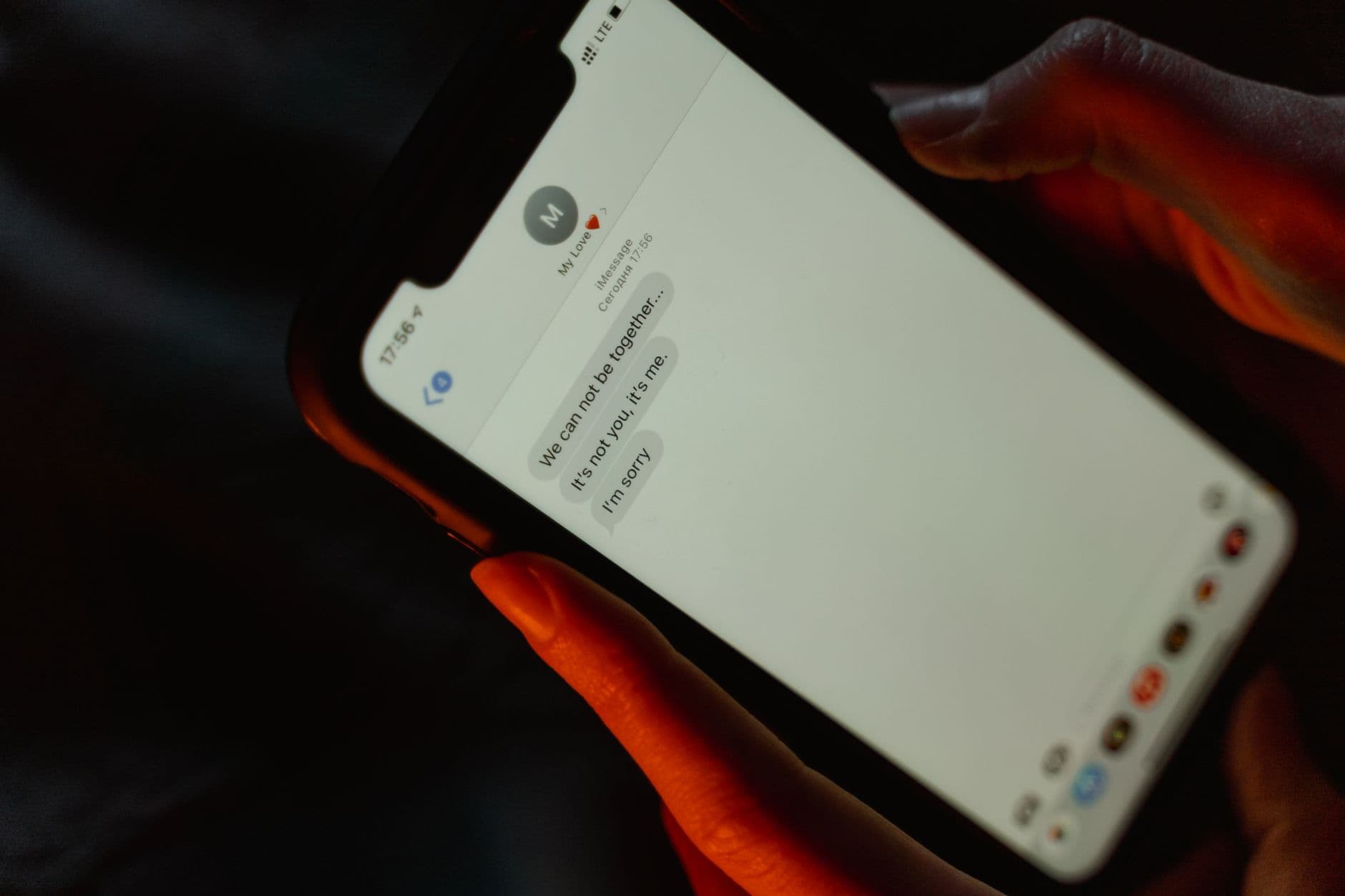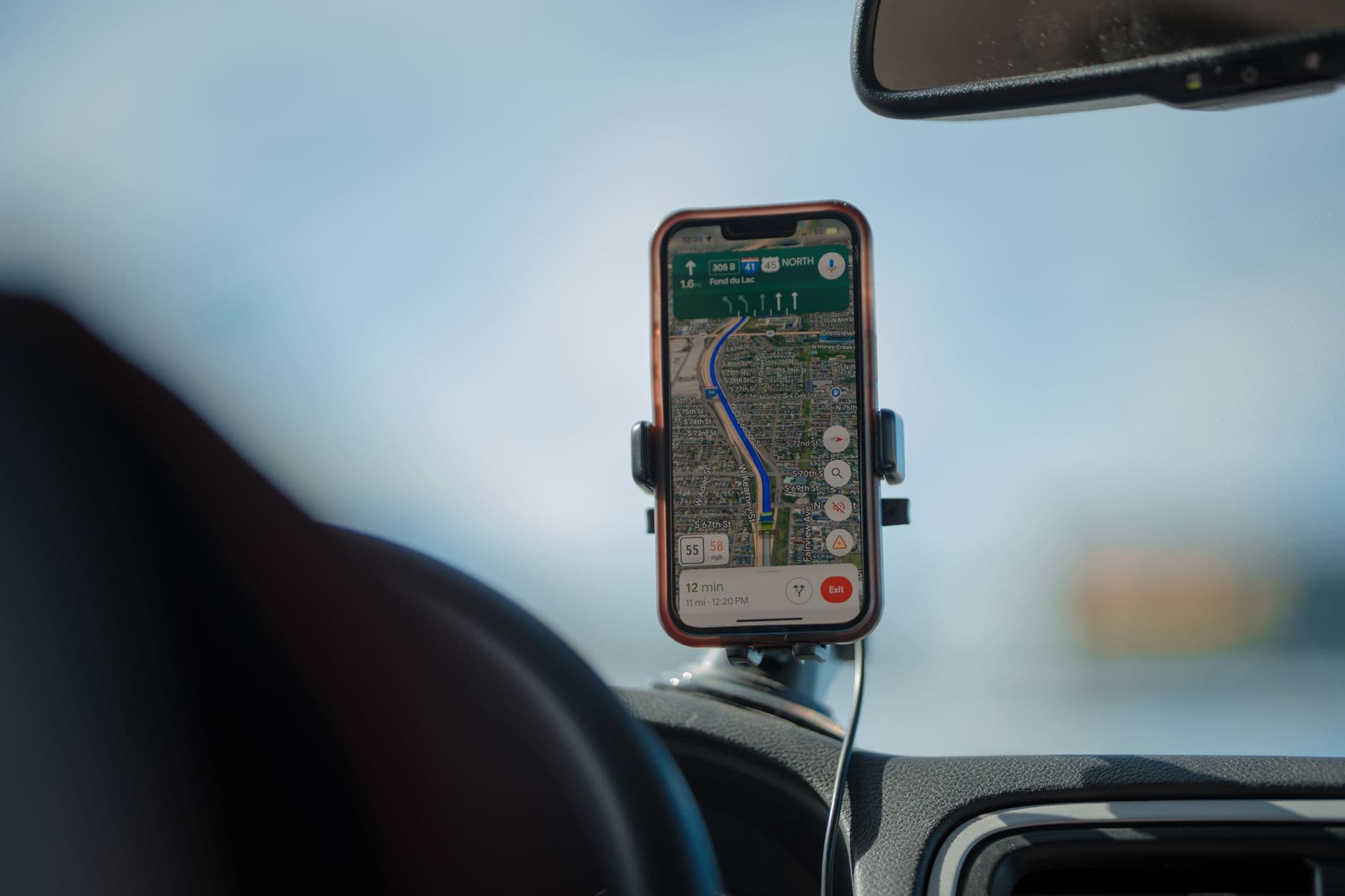
Search the phrase "how to track a phone without them knowing" and you will find plenty of promises. What you will find less often is an honest account of what is actually possible, and more importantly, where the legal and ethical lines fall. This article gives you that straight answer. Silent phone tracking is real technology, and it has legitimate uses, but it also sits close to conduct that can be a serious crime. Knowing the difference protects the people you care about and protects you.
The short version: tracking a phone quietly is appropriate when you own the phone, when it belongs to your own minor child, or when it is a company device and the user has been notified. Tracking another adult's phone secretly, without their consent, may be illegal and can amount to stalking or a privacy offense. Everything below unpacks that in practical terms.
The short answer, in plain terms
Yes, phones can be tracked without the person actively noticing, because location and activity reporting can run in the background. Whether you should do that comes down to one question: do you have the right to monitor this particular device and this particular person? If the answer is a clear yes based on ownership or guardianship, silent tracking can be a reasonable safety measure. If the answer is no, the same technology becomes a way to violate someone's privacy and potentially break the law.
What is technically possible
Modern monitoring tools and built-in device features can do a lot without demanding constant attention from the user:
- Live location and history. GPS reporting can show where a device is and where it has been.
- Geofencing. You can set zones such as home or school and get an alert when the device enters or leaves them.
- Background operation. Purpose-built apps are designed to run quietly so a child does not disable protection out of curiosity.
- Broader activity visibility. Beyond location, tools may surface calls, texts, and app usage, which is useful context for a parent.
TruSpyX™ combines GPS, geofencing, and activity monitoring in one online dashboard so an authorized parent or device owner sees the full picture in one place. You can review the full toolkit on our features page and see the setup on how it works. The important thing is that the capability itself is neutral; the use is what makes it right or wrong.
Lawful cases: when silent tracking is appropriate
Your own phone
Tracking a device you own and use is entirely your prerogative, whether for finding a lost phone or keeping tabs on your own movements. No consent issue arises because it is yours.
Your minor child
Parents and legal guardians generally have the right, and often feel the responsibility, to know where a young child is and to keep them safe online. This is the most common and most defensible use of quiet tracking. For younger children, discreet protection makes sense. For teenagers, many families find that a more open, agreed-upon approach preserves trust while still providing safety. Our Android parental control and iPhone parental control pages cover the family use case in detail.
Company-owned devices with notice
An employer can typically monitor a device the company owns, provided employees have been told and have acknowledged the policy. The key is transparency through a written agreement rather than secrecy. We go deeper into this in our employee phone monitoring guide.
Unlawful cases: where it becomes a crime
Here is the line that matters most. Secretly installing tracking software on another adult's phone, such as a partner, ex, relative, or acquaintance, without their knowledge or consent, may be illegal in many places. Depending on where you are, it can fall under stalking, harassment, wiretapping, computer-misuse, or privacy laws, with both criminal and civil consequences.
Suspicion, worry, or being in a relationship with someone does not create a legal right to surveil them. If you are tempted to track another adult covertly because of a personal conflict, understand that doing so can expose you to prosecution and can make a difficult situation far worse. The responsible paths, an honest conversation, professional support, or legal advice, are safer and more effective. For the general legal framework, see our overview of whether phone monitoring is legal.
How parents actually use silent tracking well
Used thoughtfully, background tracking is about safety, not spying. Good practice looks like this:
- Tie protection to a real purpose: knowing a child arrived at school, or getting an alert if they leave a safe area.
- Match the approach to the age: closer oversight for young children, more transparency and dialogue with teens.
- Talk about it when you can: even a simple "this phone has safety features on it" builds trust and still works.
- Use alerts, not constant surveillance: geofencing notifications respect a child's growing independence while keeping you informed.
- Protect the data: keep your dashboard access secure so location information stays private.
Questions to ask yourself before you track
Before installing anything, run through a quick checklist:
- Do I own this device, or is it my minor child's, or a company device with notice? If none of these, stop.
- Would this hold up if the person found out? If the honest answer is that you are relying on them never knowing, reconsider.
- What is my actual goal? Safety and legitimate oversight are defensible; controlling or spying on an adult is not.
- Have I checked the law where I live? Rules vary widely; when unsure, consult a lawyer.
Common myths worth clearing up
A lot of confusion surrounds silent tracking, and some of it can get people into trouble. A few myths worth dispelling:
- "If I pay the phone bill, I can track anyone on my plan." Paying for service is not the same as owning the device or having consent from an adult user. Being the account holder does not automatically make covert tracking of an adult lawful.
- "There is an app that secretly tracks any phone from just a number." Tools that promise to track any device remotely with nothing installed and no access are generally misleading, and often scams. Legitimate monitoring requires either owning the device or having it set up with proper access.
- "Stealth mode means it is untraceable and therefore fine." Technical invisibility does not make an action legal. If monitoring an adult without consent is unlawful where you live, hiding it does not change that; it may make it worse.
- "Once installed, I can track forever without limits." Responsible tracking is tied to a purpose and, for teens and employees, to transparency. It is not a blank cheque.
Understanding these realities keeps your expectations grounded and your actions on the right side of the law.
Using TruSpyX™ responsibly
TruSpyX™ is designed for exactly the lawful cases described here: your own devices, your own minor children, and company-owned devices with proper notice. The stealth and background features exist so that protection for a child is not trivially switched off, not so that anyone can surveil another adult in secret. If you have questions about appropriate use, our FAQ and contact pages can help.
Tracking a phone quietly is well within reach technically, and genuinely valuable when it protects the people you are responsible for. The moment it crosses into another adult's private life without consent, it stops being a safety tool and becomes a legal risk. Stay on the right side of that line, confirm the rules in your area, and use tracking to do what it does best: keep your family safe. To see how a family-first tracking toolkit is built, explore our features or get started.