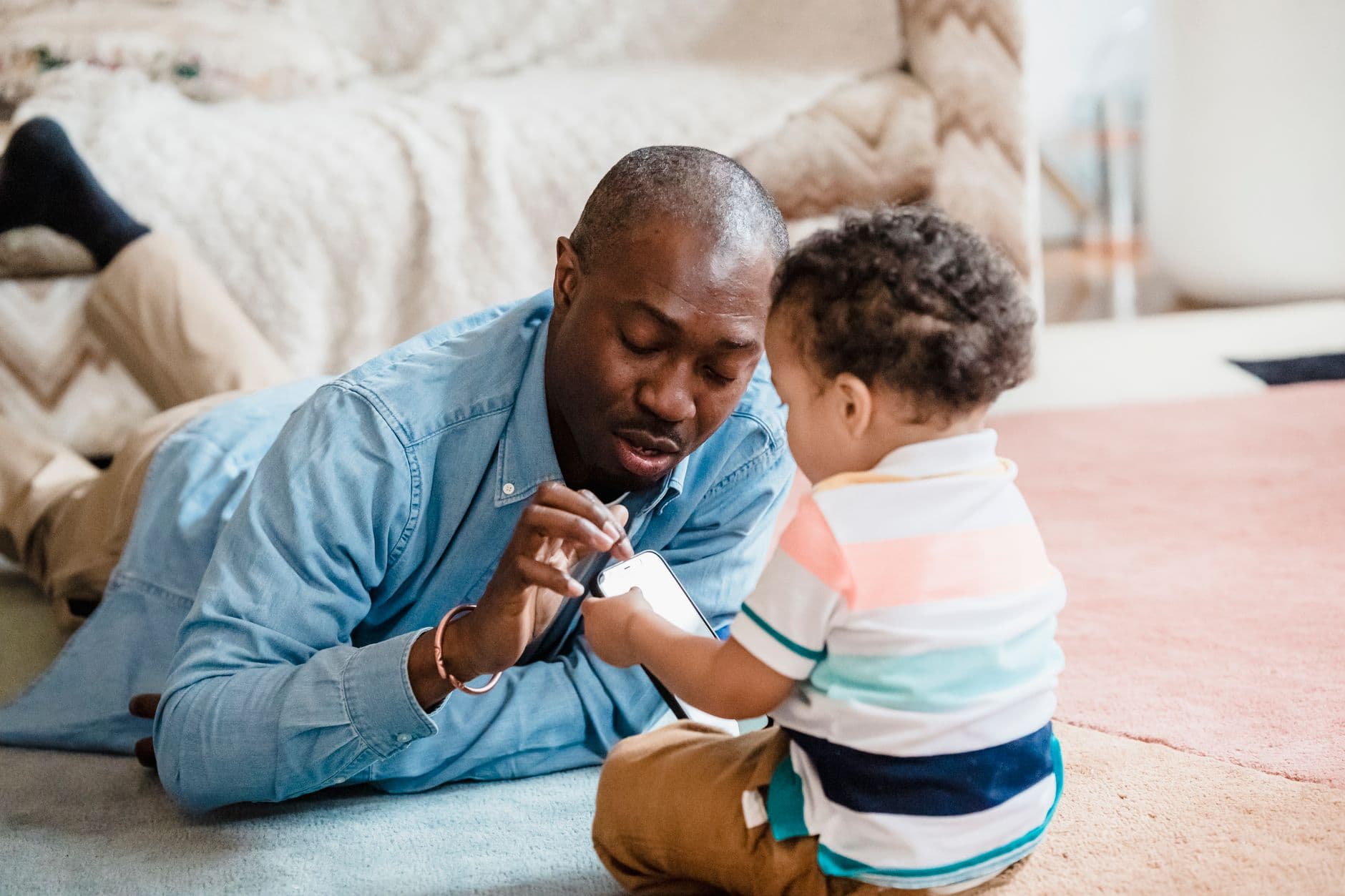
Deciding to monitor your child's phone is rarely about suspicion. More often it comes from a simple, honest place: the online world moves fast, kids get handed powerful devices younger every year, and a parent wants to know their child is safe without hovering over their shoulder. This 2026 guide walks through what monitoring can actually show you, how to set it up on both Android and iPhone, and how to talk about it in a way that protects your relationship as much as your child.
Start with your goal, not the software
Before comparing apps, get clear on what you are trying to achieve. The right amount of monitoring for a nine-year-old with a first phone is very different from what a sixteen-year-old needs. Ask yourself: are you worried about strangers, screen time, cyberbullying, inappropriate content, or simply knowing your child arrived safely? Your answer decides which features matter and how visible your oversight should be.
A younger child usually benefits from firm limits and light supervision. A teenager needs more privacy and more conversation, with monitoring reserved for genuine safety concerns. Matching the tool to the goal keeps you from either under-protecting or smothering. If you are still choosing between products, our roundup of the best phone monitoring apps in 2026 compares the main options.
What monitoring can actually show you
Modern parental monitoring goes well beyond call logs. Depending on the platform and the features you enable, you can typically see:
- Location and location history, including geofenced alerts when your child arrives at or leaves places like school or home.
- Calls and text messages, with timestamps and contacts.
- Social media and chat activity across apps such as WhatsApp, Instagram, Snapchat, TikTok, and Messenger.
- Browsing history and search terms, which often reveal concerns before anything else does.
- Installed apps and screen-time patterns, so you know how the day is really being spent.
Some tools add extras like keyword alerts, keylogging, and recovery of deleted messages. You do not need every feature switched on. Turn on what serves your specific goal and leave the rest off. The full range is listed on our features page.
Setting it up on Android
Android is the more open platform, which means monitoring apps can access more, but it also means installation happens on the device itself. In broad strokes:
- Create your parent account and choose the Android setup path.
- Install the companion app on your child's phone and grant the permissions it requests.
- Sign in to link the phone to your dashboard.
- Confirm data starts flowing, then adjust which features are active.
Android's flexibility is why most advanced features work best there. For the exact steps, follow our Android parental control guide.
Setting it up on iPhone
Apple's ecosystem is more closed, so the approach differs. Rather than installing software directly, most reputable services connect to the phone's iCloud backup using the account credentials, which means core monitoring works remotely with no jailbreak required. You will handle a two-factor verification step during setup, and data appears on a slight delay because it syncs from backups rather than live. Apple's own Screen Time can layer on top for limits and downtime. Our iPhone setup guide covers the whole process in detail.
Transparent versus stealth monitoring
One of the biggest decisions is whether your child knows. Both approaches are common, and each fits different situations.
The transparent approach
Telling your child you can see their activity is usually the healthiest long-term choice, especially for tweens and teens. It sets an expectation, discourages risky behavior through awareness alone, and treats monitoring as a shared safety measure rather than surveillance. Many families pair it with a written agreement about phone use.
The stealth approach
Discreet monitoring is sometimes justified, for example when you have a real reason to believe a child is being groomed, bullied, or is hiding something dangerous, and open conversation has failed. Even then, treat it as a temporary safety measure with a clear reason, not a permanent habit. The younger the child, the more defensible quiet oversight tends to be; the older they are, the more you should lean toward openness.
How to talk to your child about it
The conversation matters more than the software. A few principles help it land well:
- Lead with care, not accusation. Frame it as your job to keep them safe, like a seatbelt, not as a lack of trust.
- Be specific about what you will and won't look at. Kids cope far better with clear boundaries than with vague, total surveillance.
- Tie freedom to responsibility. Make clear the reins loosen as they demonstrate good judgment.
- Listen to their concerns. Let them tell you what feels fair. A little negotiation buys a lot of cooperation.
Match your language to their age. A young child needs simple reassurance; a teenager deserves a genuine, adult-to-almost-adult discussion. For handling the trickier online dangers that may come up, see our piece on online predator warning signs.
Staying on the right side of the law
As a general rule, parents and legal guardians are permitted to monitor a minor child's device that they own or provide. That is the lawful, intended use of parental monitoring software. The situation changes once your child is a legal adult, or if the device belongs to someone else, where consent typically becomes required. Laws vary by country and region, so if you are unsure, check the specifics for where you live. Our overview of whether phone monitoring is legal is a good starting point, and nothing here is a substitute for local legal advice.
Build habits, not just alerts
Monitoring works best as one part of a wider safety routine, not the whole thing. Combine it with regular check-ins, device-free times, agreed rules about who your child can talk to, and ongoing conversation about what they are seeing online. The technology tells you what happened; your relationship is what changes what happens next. For a practical starting framework, work through our kids' online safety checklist.
Common mistakes parents make
Even well-meaning parents trip over the same few pitfalls, and knowing them in advance saves a lot of frustration.
- Switching everything on at once. Enabling every feature the day you set up creates noise you cannot act on and can feel invasive to your child. Start with what matches your actual concern and expand only if needed.
- Treating alerts as proof of guilt. A flagged keyword or an unfamiliar contact is a prompt to ask a calm question, not a verdict. Context almost always matters, and jumping to conclusions damages trust quickly.
- Setting it and forgetting it. Kids change apps, get new friends, and mature. Monitoring that is never revisited soon watches the wrong things and misses the new ones.
- Using surveillance as a substitute for conversation. The data tells you what happened; only talking with your child changes what happens next. Monitoring works best as a conversation starter, not a replacement for one.
- Being secretive when openness would work. Discovery of hidden monitoring can rupture trust badly. Reserve stealth for genuine safety emergencies, and default to transparency otherwise.
Avoiding these keeps monitoring in its proper place: a safety tool that supports your parenting rather than replacing it.
Monitoring your child's phone in 2026 is less about spying and more about steady, age-appropriate guidance backed by good tools. Decide your goal, pick the platform-appropriate setup, choose transparency wherever you reasonably can, and keep the conversation going. When you are ready to put it in place, explore what is possible on our features page and set things up in minutes.